IOC Rellotge - A Classroom Clock and Board You Configure with One JSON File
Invigilating an exam means answering the same questions all afternoon: what time is it, when do we collect the papers, can they still come in, what has to be on the desk. IOC Rellotge puts those answers on the projector, so students always know where they are and teachers can add whatever the session needs.
It is one HTML file with no dependencies. It works offline, keeps its configuration in the browser, and sends nothing anywhere.
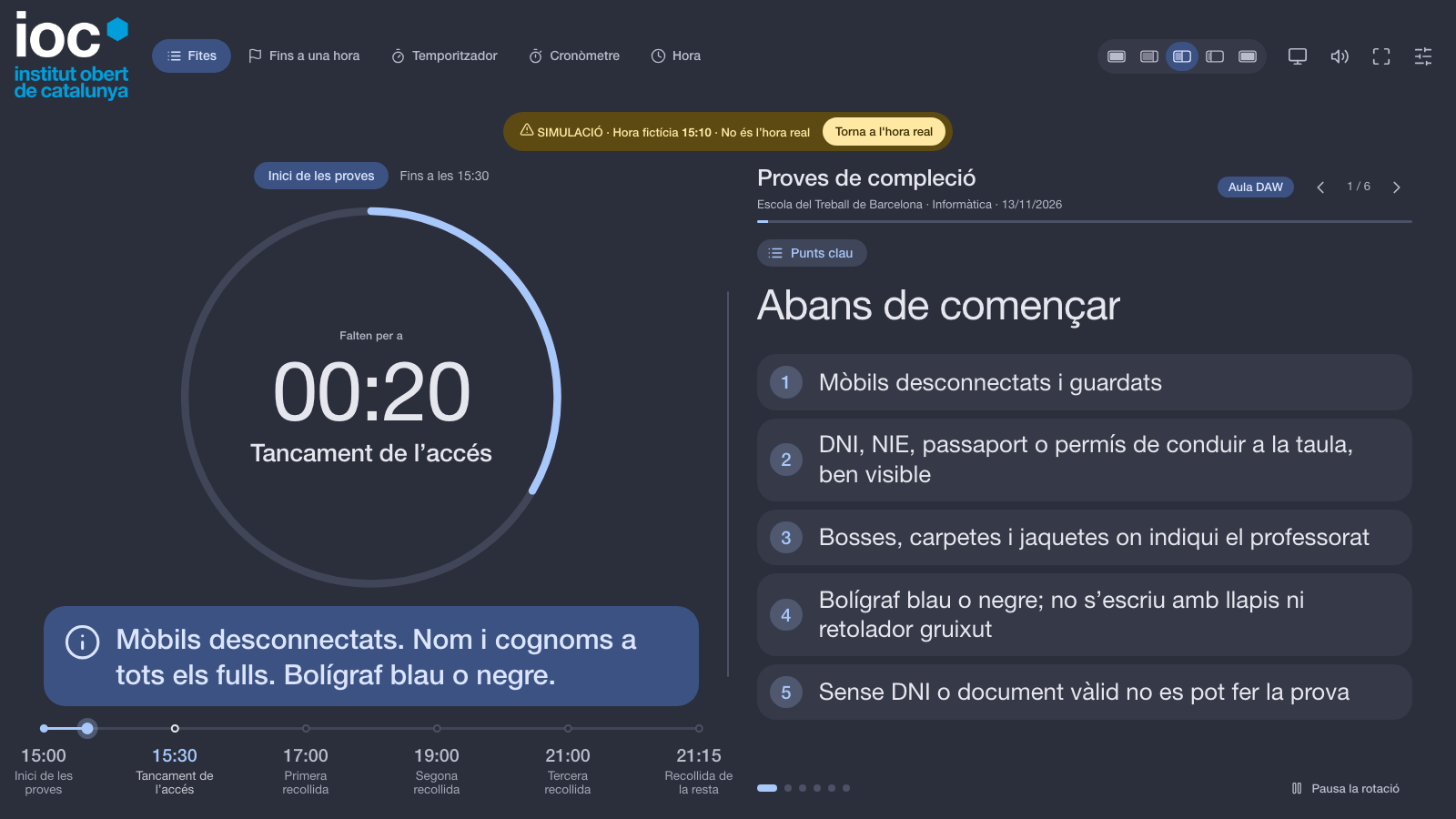
Try it
- Open it: https://itrascastro.github.io/ioc/ioc-rellotge/. On the first visit it opens already configured for the collection exams (proves de compleció); if you already have a saved setup, it is never replaced.
- Source and tests: github.com/itrascastro/ioc-rellotge
Press E for the settings and F for full screen. The interface is in Catalan, and what you write on the screen is never translated or altered.
A clock that fits the situation
Teachers do not all want the same clock, so the clock has five modes and each one can be switched off:
- Milestones: a countdown to the next point of the day (entry, start, collection, end) with a day line underneath. Milestones are optional.
- Countdown to a time: “how long until 11:30”.
- Timer: a duration, with one-click buttons for the usual ones (1 h 20 min, 1 h 50 min, 2 h).
- Stopwatch and current time.
Each milestone can carry a message that is shown under the clock while that phase lasts: “mobiles off, name on every sheet” while the exam starts, “you can no longer enter the room” after the cut-off. When the end is near, the ring and, if you want, the whole screen turn amber and then red. You choose between the whole screen, only the ring, or nothing.
A board next to it
Next to the clock there is a zone for sections that rotate on their own: lists, plain text, tables, images and big notices, each with its own colour. A fixed notice can stay on top whatever section is showing, with five levels (information, done, important, urgent, note), each with its own colour and icon.
Everything is about proportion. You can give the clock most of the screen, give the messages most of it, or show only one of them.
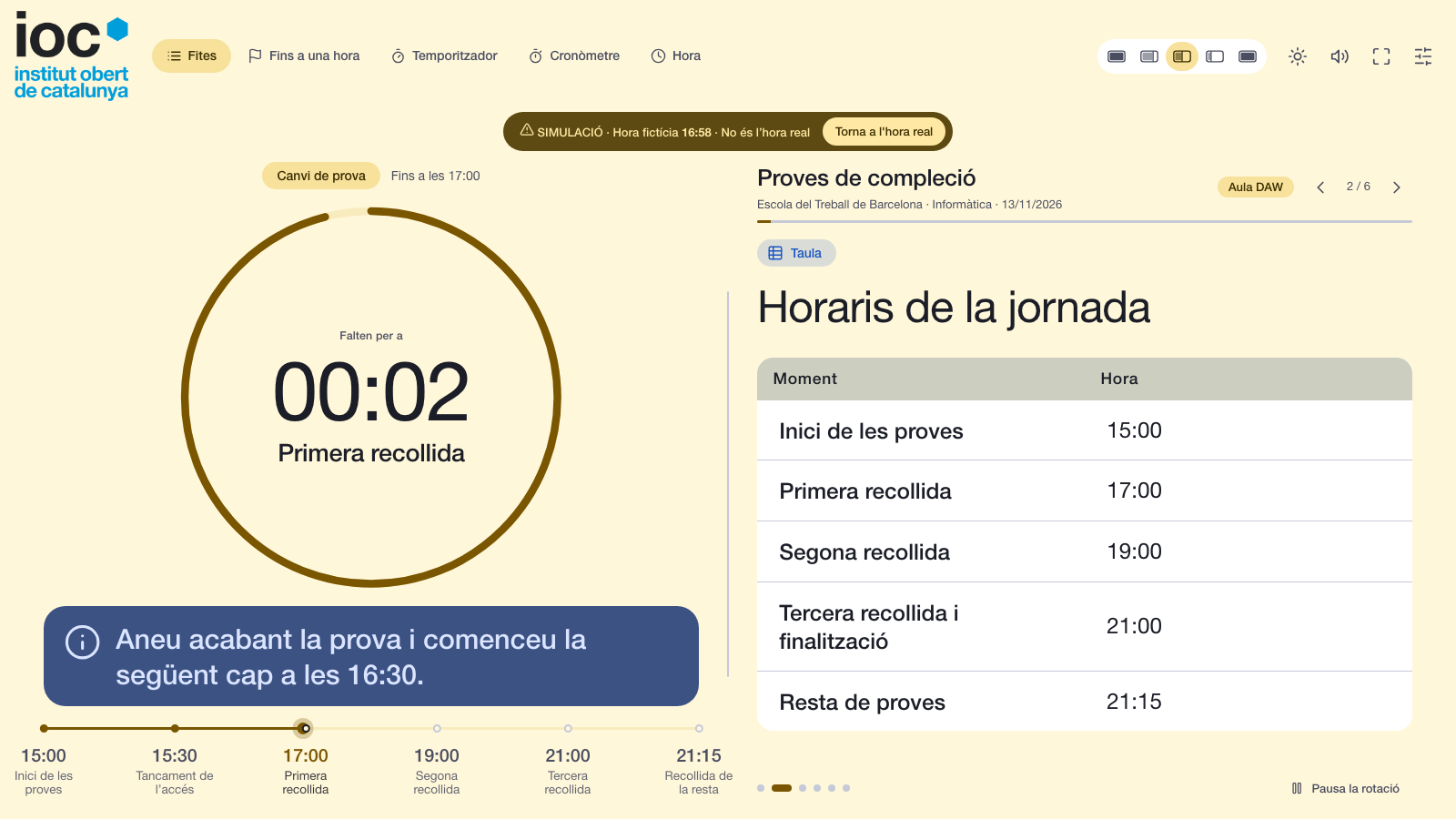
The whole screen from one JSON file
The part I like most is that nothing important lives only in the interface. A template is a JSON file that holds every setting: texts, schedule, sections, clock mode, appearance, logo and timings.
{
  "app": "Rellotge-IOC-Plantilla",
  "version": 2,
  "name": "My session",
  "data": { "title": "Exam", "clockMode": "timer", "timerMinutes": 80 }
}
Any key you leave out is left untouched, and an invalid value falls back to its default, so a template can be as small or as complete as you want. You can import it from the settings, or open the app with ?plantilla=presets/your-file.json to share a link that opens it already configured. The link only accepts a .json path on the same site, and it asks before replacing a setup you already have. A deployment can also ship a default template for first-time visitors, which is how the published page opens on the collection exams.
That also makes it easy to hand over to a script or an agent: it only has to change values in the JSON. The repository includes a file with every key and its default, generated from the code so it cannot drift, and a reference of the allowed values.
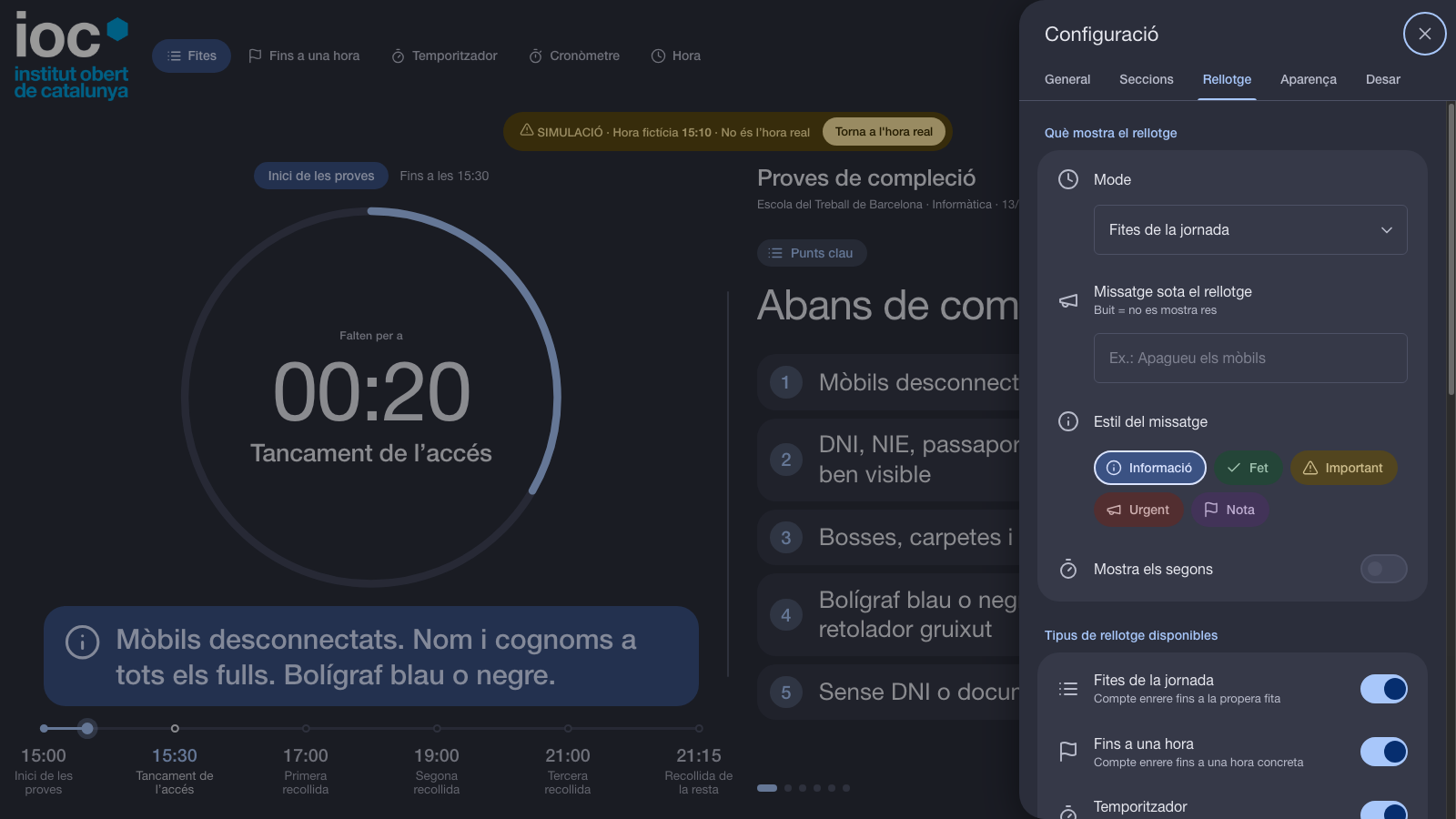
The collection exams template
The default template I use is built from the invigilation instructions for the collection exams: the times of entry, start, cut-off for late arrivals and the four collections, a message for each phase, and sections for what students need on the desk, how long each test lasts and how to hand in the papers. Everything in it is public: it contains no names, no links and nothing addressed only to teachers, because it is projected to the students and anyone can see the settings while it is on screen.
How it is built and tested
There is no framework and no build step. One file holds the markup, the styles and the code, which is why it works from a USB stick or inside a network without internet.
What keeps it honest is the tests. A small hand-written client drives a real Chrome through the DevTools protocol, with real mouse and keyboard input, and the battery has 166 checks covering the clock modes, the layouts, themes, templates, logo upload, the editor and the mobile layout. A separate stress test fills every text with its maximum length, and also with very long words with no spaces, in three screen sizes, and checks that nothing overflows, overlaps or gets cut. It found real problems: a long milestone name could shrink the ring to a dot, and a long notice could take a third of the screen. Now every free text has a line limit.
git clone https://github.com/itrascastro/ioc-rellotge.git
cd ioc-rellotge
npm test
It needs Node 22 or later and Chrome, and nothing else.